# Live Streaming Technology: What You Need in 2024
The live streaming landscape has evolved dramatically, and having the right setup is crucial for professional results. Here's what you need for a broadcast-quality streaming setup:
## Essential Hardware Setup
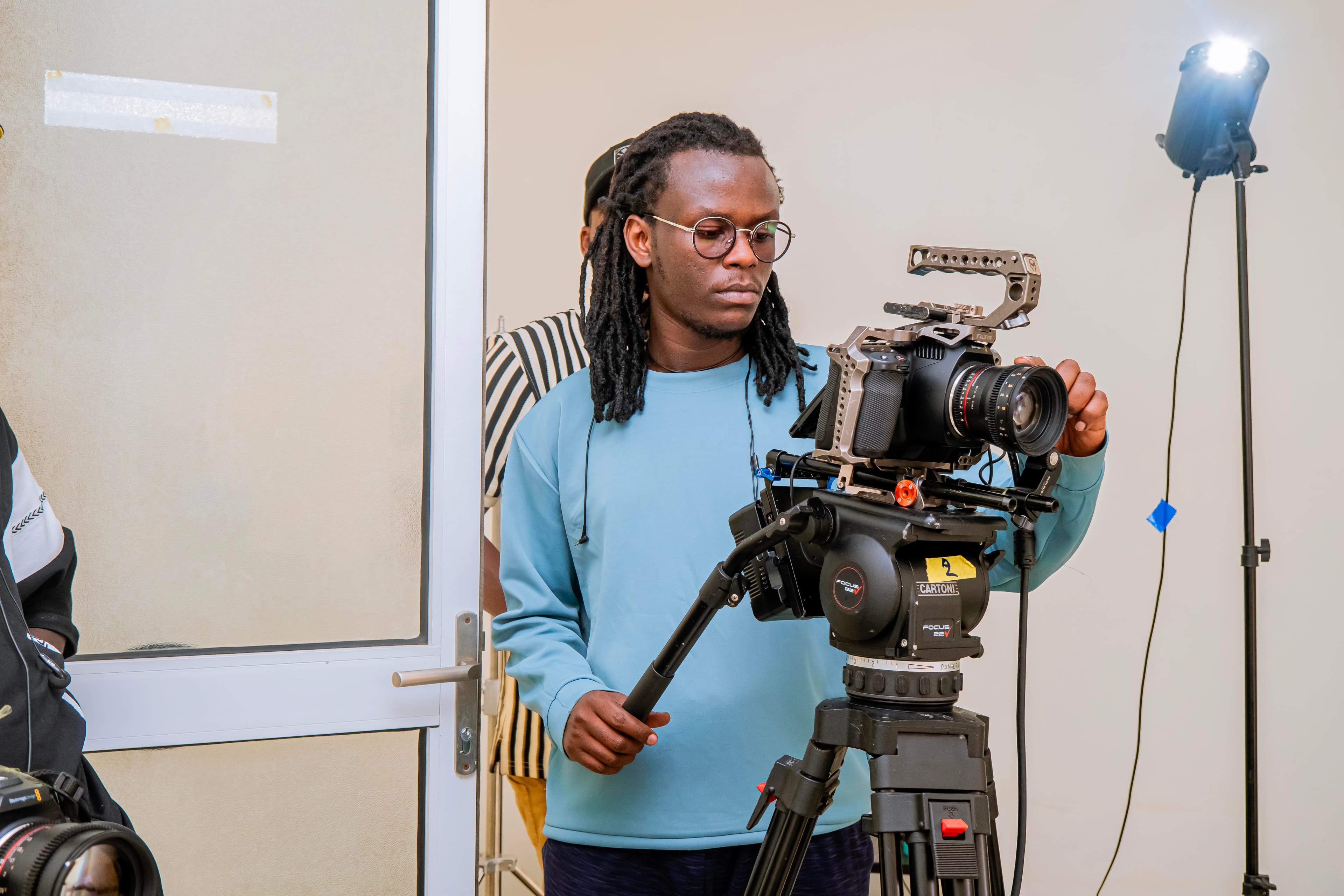
### 1. Camera Systems
- **DSLR/Mirrorless Cameras**: Sony A7 series, Canon EOS series
- **Webcams**: Logitech Brio 4K, Elgato Facecam
- **PTZ Cameras**: For multi-angle professional setups
### 2. Audio Equipment
- **Microphones**: Shure SM7B, Rode NT-USB, Audio-Technica AT2020
- **Audio Interface**: Focusrite Scarlett 2i2, PreSonus AudioBox
- **Headphones**: Closed-back monitoring headphones
### 3. Lighting Setup
- **Key Lights**: Softbox lights or LED panels
- **Fill Lights**: Rim lights for separation
- **Background Lights**: Create depth and atmosphere
### 4. Computer Requirements
- **Processor**: Intel i7 or AMD Ryzen 7 minimum
- **RAM**: 16GB minimum, 32GB recommended
- **Graphics**: Dedicated GPU for encoding
- **Internet**: 10Mbps upload minimum, 25Mbps recommended
## Software Solutions
### Streaming Software
- **OBS Studio** (Free and powerful)
- **Streamlabs OBS** (User-friendly)
- **vMix** (Professional multi-camera)
### Encoders
- **Hardware Encoders**: Teradek, LiveU
- **Software Encoders**: OBS, Wirecast
### Production Tools
- **Graphics Overlays**: StreamElements, Restream
- **Switching**: Multiple camera switching software
- **Monitoring**: Audio meters and stream health monitors
## Internet Requirements
For stable streaming:
- **Minimum**: 10Mbps upload (720p)
- **Recommended**: 25Mbps upload (1080p)
- **Professional**: 50Mbps+ upload (4K)
## Cost Breakdown
| Level | Budget | Equipment |
|-------|--------|-----------|
| Beginner | $500-1000 | Webcam, USB mic, basic lighting |
| Intermediate | $1500-3000 | DSLR, XLR mic, good lighting |
| Professional | $5000+ | Multi-camera, professional audio, switcher |
## Pro Tips
1. **Always have backup internet** (mobile hotspot)
2. **Test everything before going live**
3. **Monitor audio levels continuously**
4. **Use hardware encoding when possible**
5. **Keep firmware and software updated**
The right technology can make the difference between amateur and professional streams. Invest wisely based on your needs and scale up gradually.